Back to School Vol. 1 Bundle: Creative Possibilities
Getting ready for a new school year often means preparing supplies, organizing spaces, and setting a positive tone. For creators, educators, and parents, the Back to School Vol. 1 Bundle offers a practical way to add a personal touch to that preparation. This digital download provides a set of SVG files featuring cheerful grade-level designs from kindergarten through fifth grade. Because it is an instant digital download, you can start using the files moments after purchase without waiting for shipping. The bundle works with popular cutting machines such as Cricut and Silhouette, as well as design software like Adobe Illustrator, Photoshop, Inkscape, Corel Draw, and Sure Cuts A Lot. Whether you are a seasoned designer or a parent looking to craft something special, these files open up a range of creative possibilities.
What Makes This Bundle Stand Out
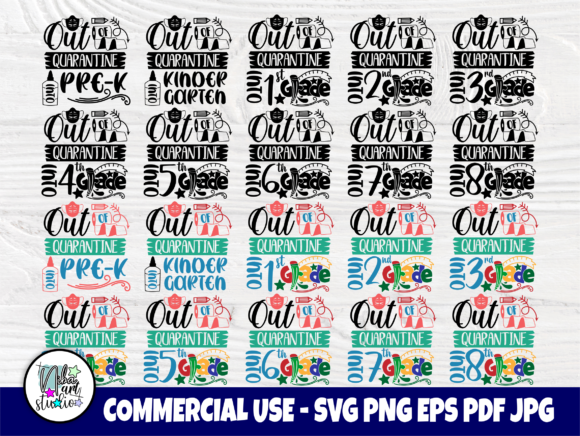
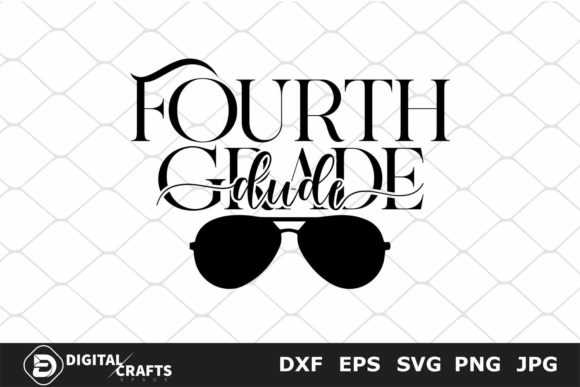
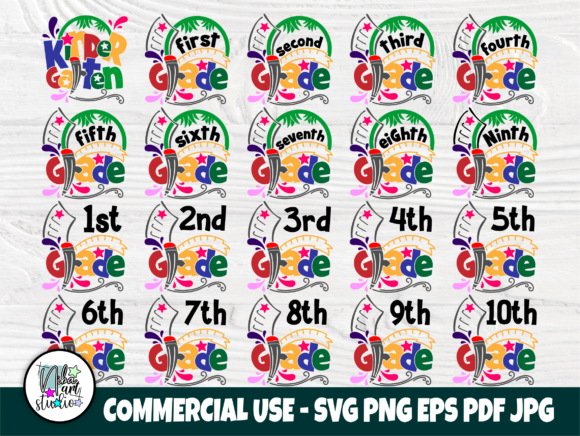
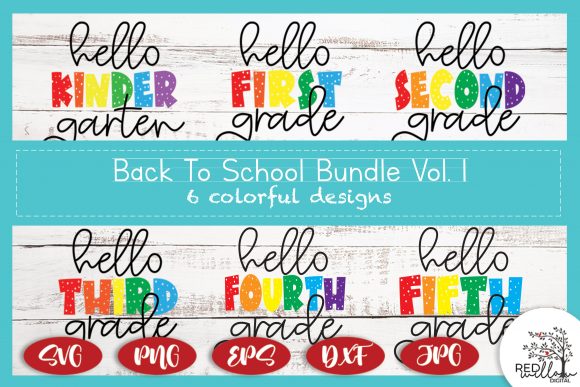
The Back to School Vol. 1 SVG Bundle includes five zip folders organized by file type, so you only download what you need. The set covers six grade levels: Hello Kindergarten, Hello First Grade, Hello Second Grade, Hello Third Grade, Hello Fourth Grade, and Hello Fifth Grade. Each design features a higher quality than what is shown in the preview images, which means you can expect clean lines and crisp details when you cut or print. The bundle is a practical resource if you want to create personalized items for students, teachers, or classroom events without starting from scratch.
Ideas for Using the Bundle in Real Projects
Once you have the files downloaded, the real fun begins. The grade-specific phrases make it easy to tailor projects for individual students or groups. Below are some practical ways to use the designs across different contexts.
Personalized T-Shirts for the First Day
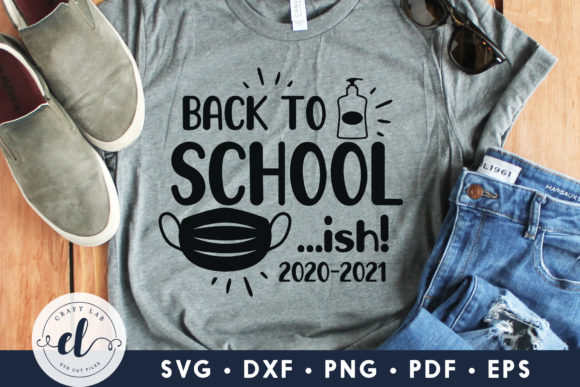
A simple cotton t-shirt becomes a memorable keepsake when you add a grade-level design. Use the SVG file in Cricut Design Space or Silhouette Studio to cut iron-on vinyl. Press the design onto a shirt in a color that contrasts well with the fabric. You can make one for each child or create a set for siblings. The Back to School Vol. 1 Bundle makes this process efficient because the files are already sized and ready to cut. Pair the shirt with a coordinating backpack or bow for a coordinated look on the first day.
Classroom Door Decorations and Bulletin Boards
Teachers can use the bundle to create welcoming classroom displays. Cut the designs from adhesive vinyl and apply them directly to a door or window. Alternatively, you can print the SVG files as stencils and paint the letters onto a chalkboard or foam board. The grade-specific phrases help each classroom feel unique. For a cohesive hallway display, use the same color scheme across all grade levels. This approach saves time and ensures consistency from one classroom to the next.
Gift Tags, Labels, and Party Decorations
If you are hosting a back-to-school party for students or teachers, the bundle can help you create coordinated decorations. Use the files to cut gift tags for treat bags, labels for water bottles, or bunting banners. Because the designs include both text and simple graphic elements, they work well for projects that need a clean yet playful look. You can also resize the SVG files to fit different items without losing quality, which is helpful when you need both large banners and small tags.
Scrapbooking and Memory Keeping
Parents who document their children’s school years will find the bundle useful for scrapbook pages. Cut the grade-level phrases from cardstock or vinyl and adhere them to a page alongside a first-day photo. The clean text works well with both minimalist and layered layouts. You can also use the files to create a timeline of school milestones by adding one grade per year. Over time, those pages become a visual record of each child’s journey through elementary school.
Adapting the Bundle for Different Audiences
Not everyone who uses the Back to School Vol. 1 Bundle has the same goal. Small business owners, classroom volunteers, and hobbyists can all adapt the files to fit their specific needs.
For Small Business Owners and Designers
If you sell custom shirts, tumblers, or paper goods, this bundle can save you design time. The organized file structure means you can quickly find the SVG version for your software. You can offer grade-level personalization as an option for your customers. The high-quality illustrations reproduce well on different materials, which helps your finished products look professional. Consider creating a limited-time back-to-school collection that features the phrases from the bundle. This approach lets you launch a cohesive product line without commissioning custom artwork for each item.
For Teachers and School Staff
Teachers often need to create multiple items for their classrooms, from name tags to welcome signs. The bundle allows you to print or cut the same design in different sizes for various uses. Because the files are organized by type, you can choose the format that works best with your school’s available software. If you have access to a Cricut or Silhouette machine, you can cut adhesive vinyl for classroom bins, folders, or cubbies. The grade-level specificity also helps when you need to prepare materials for multiple grade levels in one building.
For Parents and Hobbyists
Even if you only have a basic understanding of cutting machine software, the bundle is straightforward to use. The files come in common formats, and the zip folders make it easy to keep everything organized. Start with a simple project like a pencil case or a book cover. As you become more comfortable, you can move on to layered designs or multi-color projects. The fact that the bundle covers multiple grade levels means you can use it for several years as your child moves from kindergarten to fifth grade.
Practical Tips for Working with SVG Files
Getting the best results from the Back to School Vol. 1 SVG Bundle involves a few practical steps. These tips apply whether you are cutting vinyl, printing on paper, or creating stencils.
- Check compatibility first. Make sure your cutting machine or software can open SVG files. Most modern programs, including Cricut Design Space, Silhouette Studio, Adobe Illustrator, and Inkscape, support this format. If you are unsure, test the file with a small cut before working on your final material.
- Organize your files before starting. The zip folders are labeled by file type. Unzip only the folder you need to keep your computer tidy. If you plan to use the same design in different formats later, save a copy in a dedicated project folder.
- Resize with care. SVG files can be scaled without losing quality, but very small sizes may cause fine details to become less visible. If you are cutting text, keep the letters at least one inch tall for clean results on most materials.
- Test on scrap material. Before cutting your final piece, run a test cut on a small scrap of the same material. This step helps you verify that the blade depth and pressure settings are correct. It also gives you a chance to see how the design looks on the actual surface.
- Combine with other design elements. The bundle works well on its own, but you can also combine it with additional SVG files for more complex projects. For example, add a school mascot or a decorative border to create a custom design that fits your school’s colors and theme.
Keeping Your Projects Clear and Organized
When you are working with multiple grade levels, it helps to stay organized from the start. The bundle’s file structure already groups designs by grade and format, but you can take a few extra steps to keep your workflow smooth.
Label your material with the grade level if you are cutting multiple designs in one session. For example, if you are making shirts for kindergarten and third grade, keep the vinyl pieces separated until you press them. This prevents mix-ups and saves time. If you are printing the designs instead of cutting them, use a color coding system on your print settings to match each phrase with the intended recipient.
For larger projects, such as a classroom set of decorated notebooks or pencil pouches, work in batches. Cut all the vinyl for one grade level at once, then move to the next. This approach reduces the number of tool changes and helps you maintain consistent quality across all items.
Why the Bundle Works for Both Beginners and Pros
The Back to School Vol. 1 Bundle is designed to be accessible without being limiting. Beginners will appreciate the ready-to-use files that do not require extensive editing. Professionals will value the clean vector lines and the flexibility to modify the designs in advanced software. The bundle covers a specific niche—elementary grade levels—but the applications extend beyond the classroom. You can use the designs for family reunions, summer camp events, or even preschool graduation with a bit of creative adaptation.
Because the illustrations are high quality, they hold up well in both small and large formats. This versatility means you are not locked into one type of project. A design that starts as a shirt decal could later become a card front, a window cling, or a stencil for a painted sign. The key is to experiment with different materials and see what works best for your specific needs.
Final Thoughts on Getting the Most from the Bundle
The Back to School Vol. 1 SVG Bundle offers a straightforward way to bring personalization into your back-to-school preparations. Whether you are creating items for your own children, your students, or your customers, the organized file structure and grade-level options make it easy to produce consistent, professional-looking results. Focus on one project at a time, test your materials, and let the designs do the heavy lifting. With a little planning, you can turn a simple digital download into a collection of meaningful, practical items that make the start of the school year feel special.